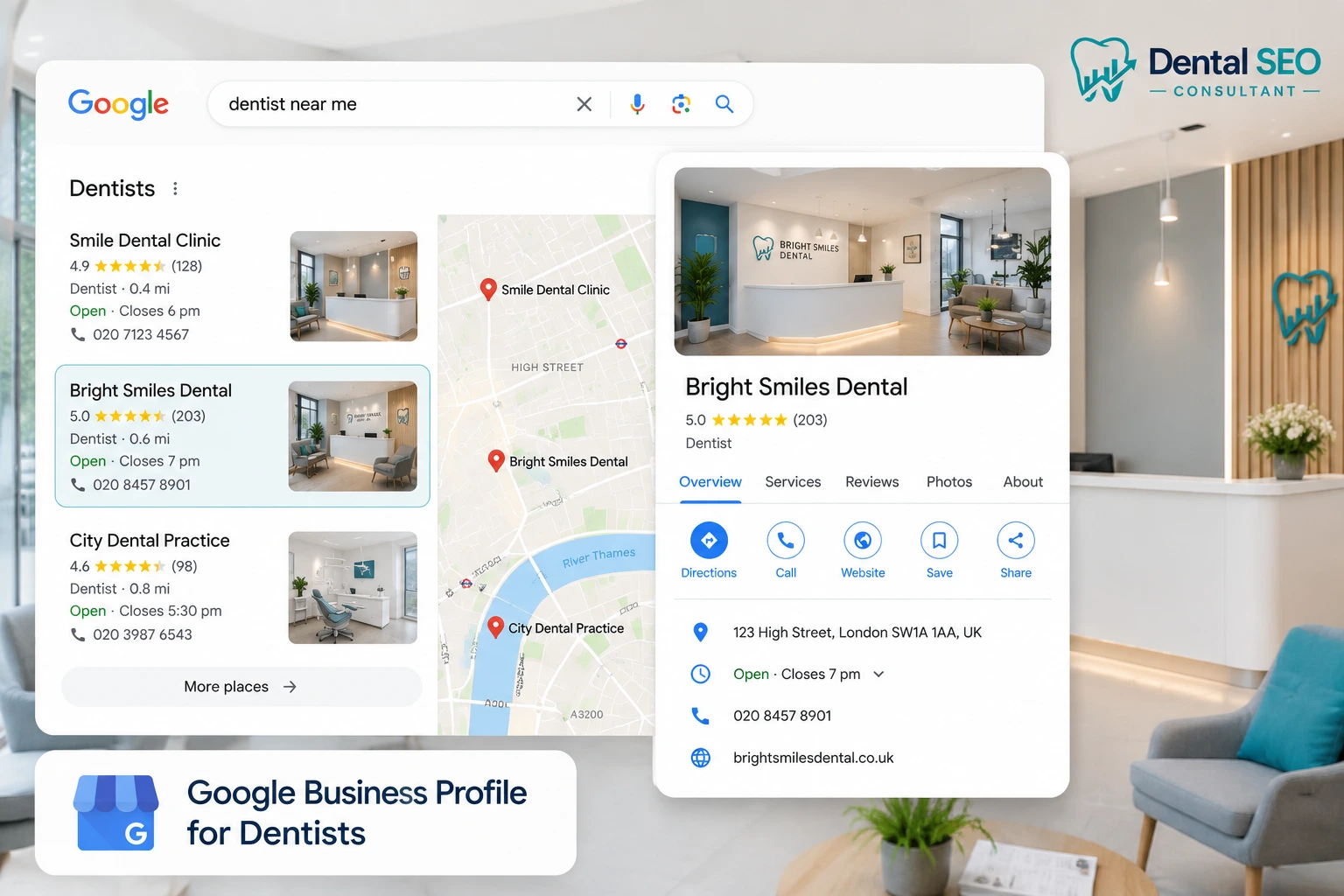
Google Business Profile Optimisation for Dentists: The Complete Guide
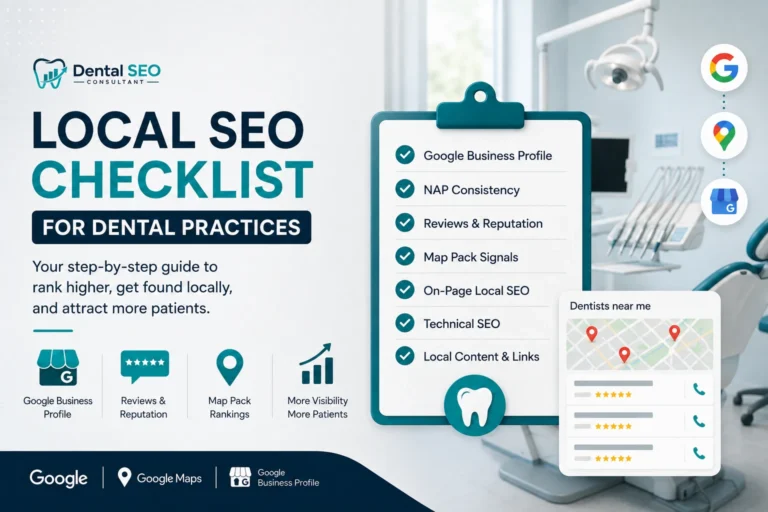
A Google Business Profile is the free listing that puts a dental practice on Google Maps and in the local map pack. To optimise it, a dentist should verify the profile, set the correct primary category (Dentist), add every treatment as a service, upload real photos, complete the description and hours, keep the name, address and phone identical to the website, and respond to every review. A complete, active profile is the single biggest lever for local visibility.
Introduction
For most dental practices, the Google Business Profile is more important than the website. It is the first thing a patient sees when they search “dentist near me”; it decides whether the practice appears on Google Maps, and it is completely free.
Yet most practices leave it half finished. A missing category, an old photo, or an incomplete services list quietly costs them patients every week. This guide walks through optimising every part of a dental Google Business Profile, in plain steps, under the GDC and ASA rules that apply to UK practices.
What Is a Google Business Profile for Dentists?
A Google Business Profile, once called Google My Business, is the free business listing that appears on Google Search and Google Maps. For a dentist, it is the panel that shows the practice name, address, phone, hours, photos, reviews, and a booking or directions button.
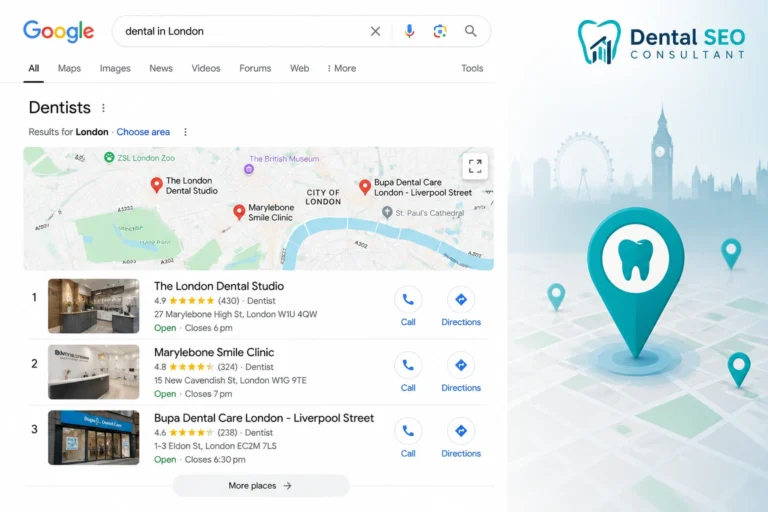
It is separate from the practice website. The website is a page you own and control. The profile is a listing Google owns and displays, which you claim and manage. Both matter, but the profile is what feeds the local map pack, the block of three practices with a map that shows for local searches.
The profile does two jobs. It helps a practice appear for local searches, and it convinces the searcher to choose that practice over the two others beside it. A strong local SEO strategy can further improve a practice’s visibility in these local search results.
Why Google Business Profile Matters for Dental Practices
The profile matters because it controls the most valuable real estate in local search. When someone searches for a dentist, Google shows the map pack above the normal results, and the profile is what decides if a practice is in it.
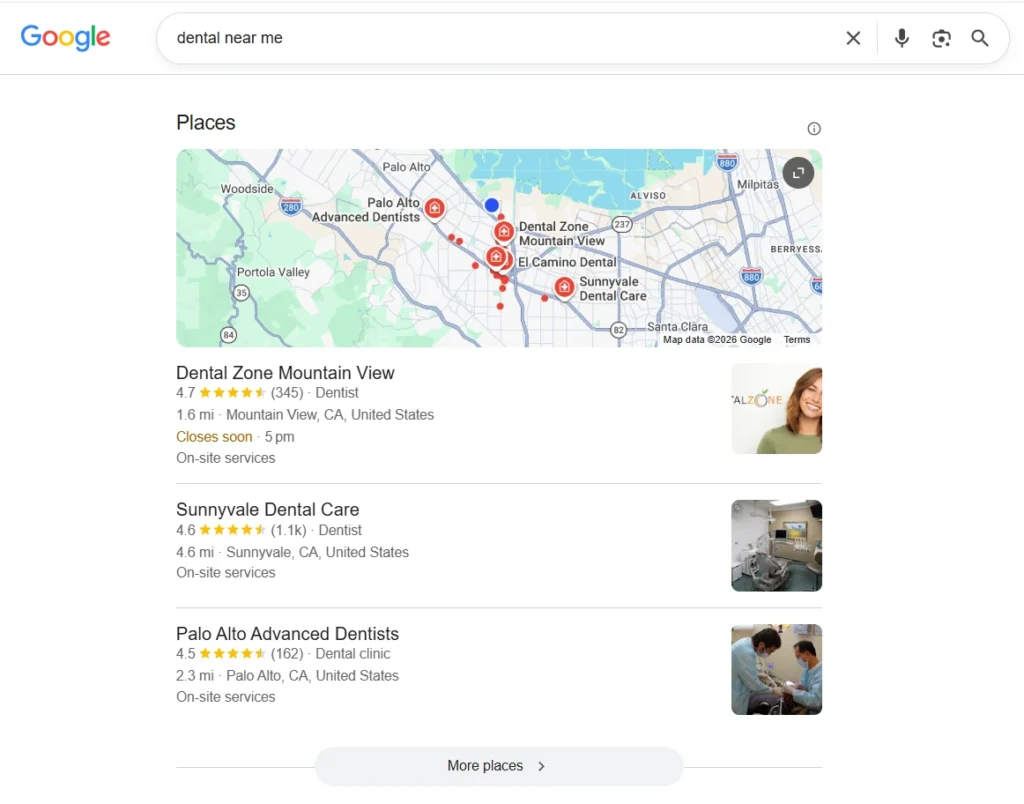
Three reasons it deserves priority:
- It captures high-intent patients. People searching “dentist near me” or “emergency dentist” are ready to book, not browsing.
- It is the first impression. Photos, reviews, and hours are judged in seconds before anyone clicks through to the website.
- It is free. Unlike ads, a well-run profile costs nothing but attention.
A complete profile also supports local ranking, though ranking in the map pack depends on wider factors like proximity and reviews. Alongside profile optimisation, dental SEO helps strengthen a practice’s overall visibility in local search. This guide focuses on optimising the profile itself, which is the part fully within your control.
How to Set Up and Verify a Dental Google Business Profile
Before optimising, the profile has to be claimed and verified, which proves to Google you own the practice.
Search for the practice on Google. If a profile already exists, claim it. If not, create one at the Google Business Profile site. Google then verifies ownership, usually by phone, email, video, or postcard, depending on the business.
Two rules matter at this stage. Never create a second profile for a practice that already has one, as duplicates get suspended. And if the practice has multiple locations, each site needs its own separate, verified profile. This is also an important part of dental practice SEO, particularly for practices managing multiple locations.
How to Optimise Every Section of Your Google Business Profile
This is the core work. Google rewards complete, accurate profiles, so every field should be filled correctly. The table summarises the sections, then each is explained below.
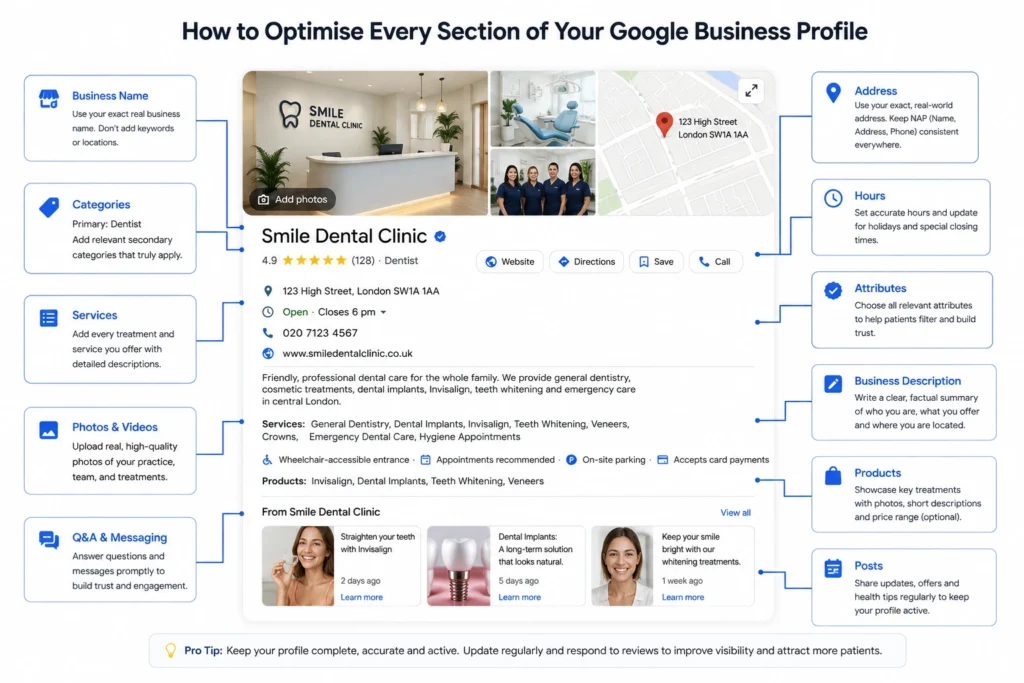
| Section | What to do | Why it matters |
|---|---|---|
| Business name | Use the exact real name, no keywords | Keyword stuffing risks suspension |
| Categories | Set primary “Dentist” plus relevant secondaries | Decides which searches you appear for |
| Services | List every treatment offered | Matches treatment-specific searches |
| Description | Clear, factual, compliant summary | Informs patients and Google |
| Photos | Real practice, team and interior images | Builds trust and lifts engagement |
| Hours | Accurate, including holidays | Wrong hours frustrate patients |
| Attributes | Accessibility, appointments, amenities | Adds detail patients filter by |
| Posts, Q&A, messaging | Keep active and answered | Signals an engaged, live practice |
Business Name
Use the practice’s exact real-world name, nothing more. Adding keywords or a location, such as “Smile Dental Implants London”, breaks Google’s guidelines and can get the profile suspended. If your real name includes a descriptor, that is fine, but do not invent one for ranking.
Categories
Categories tell Google what the practice does, and they strongly influence which searches you show for. Set the primary category to Dentist, then add relevant secondary categories.
Useful secondary categories for dental practices include:
- Cosmetic dentist
- Dental implants provider
- Emergency dental service
- Orthodontist
- Teeth whitening service
- Dental clinic
Only add categories that genuinely apply. The primary category carries the most weight, so choose it to match the practice’s main focus.
Services
List every treatment the practice offers as a service, with a short description for each. This helps the profile appear for treatment-specific searches and shows patients exactly what is available. Cover the full range: check-ups, hygiene, implants, Invisalign, whitening, veneers, crowns and emergency care.
Business Description
The description is a short summary of the practice. Keep it factual and patient-focused, covering who you are, what you offer and where. A good structure is a line on the practice and its focus, a line on the main treatments, and a line on the area you serve. Follow the same rules as the rest of your marketing: no guaranteed outcomes, no misuse of “specialist”, and no testimonial claims.
Photos and Videos
Profiles with real photos get more clicks and calls than those without. Upload genuine images of the exterior, reception, treatment rooms and the team. Avoid stock photos, which patients recognise instantly and distrust. Refresh them periodically so the profile looks active.
Opening Hours
Set accurate opening hours and update them for bank holidays and closures. Nothing frustrates a patient more than arriving at a practice Google said was open. Correct hours also feed the “open now” filter patients use.
Attributes
Attributes are the extra details patients can filter by, such as wheelchair accessibility, appointment requirements, parking and payment options. Complete every attribute that applies, as they add useful detail and help the profile match more specific searches.
Posts, Q&A and Messaging
These features signal an active practice, which Google and patients both value.
- Google Posts let you share updates, new treatments or health awareness content directly on the profile.
- Q&A is public. Seed it with the questions patients actually ask, and answer any that appear, since anyone can post an answer if you do not.
- Messaging and booking let patients contact you directly. If you enable messaging, respond quickly, as slow replies harm the experience.
Products and the Booking Button
The products section lets a practice showcase individual treatments, each with a photo, short description and price range. For dentists it works well for headline treatments like implants, Invisalign and whitening, giving each a small visual card on the profile.
If the practice offers online booking, connect it so a “Book” button appears directly on the profile. Removing the friction between finding the practice and booking an appointment is one of the simplest ways to turn profile views into patients. Where direct booking is not available, make the phone number and enquiry options prominent instead.
How to Track Your Google Business Profile Performance
Optimising the profile is only half the job. Google shows how patients find and use it, in the performance section of the profile. Checking it tells you what is working and where patients drop off.
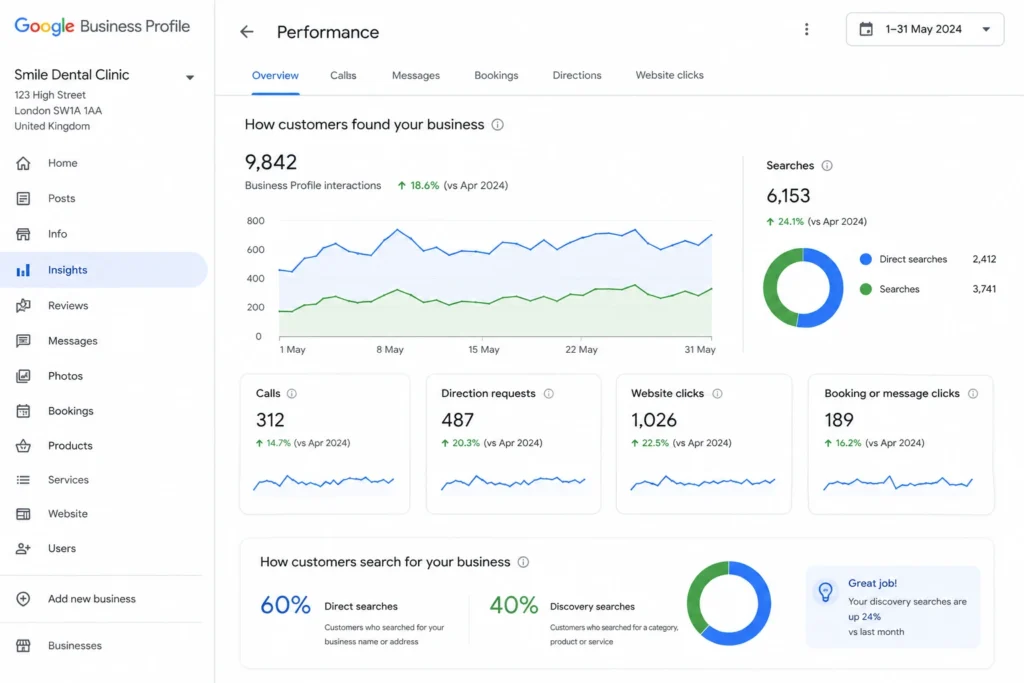
The key metrics to watch:
| Metric | What it tells you |
|---|---|
| Searches | How many people found you, by name or by category |
| Calls | How many patients phoned directly from the profile |
| Direction requests | How many looked up how to reach the practice |
| Website clicks | How many moved from the profile to your site |
| Booking or message clicks | How many tried to book or contact you |
A rise in “discovery” searches, where patients find you by category rather than by name, is a strong sign the profile is reaching new people. Understanding how Google ranks dental websites can also help you put these local performance signals into the wider SEO picture. Google explains each metric in its Google Business Profile Help resources. Reviewing these numbers monthly shows whether your optimisation is turning views into booked patients, not just impressions.
Google Business Profile and Reviews
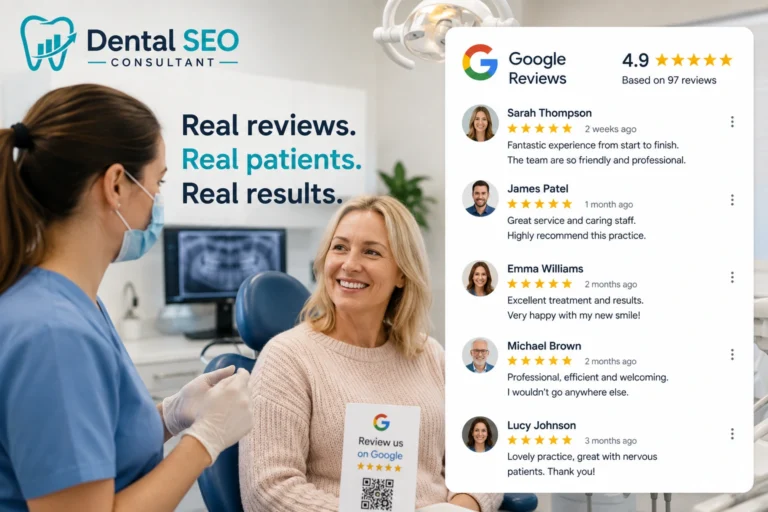
Reviews are central to the profile. They influence both whether patients choose you and how the profile performs in local search. Two practices being equal, the one with more recent, higher-quality reviews usually wins the click.
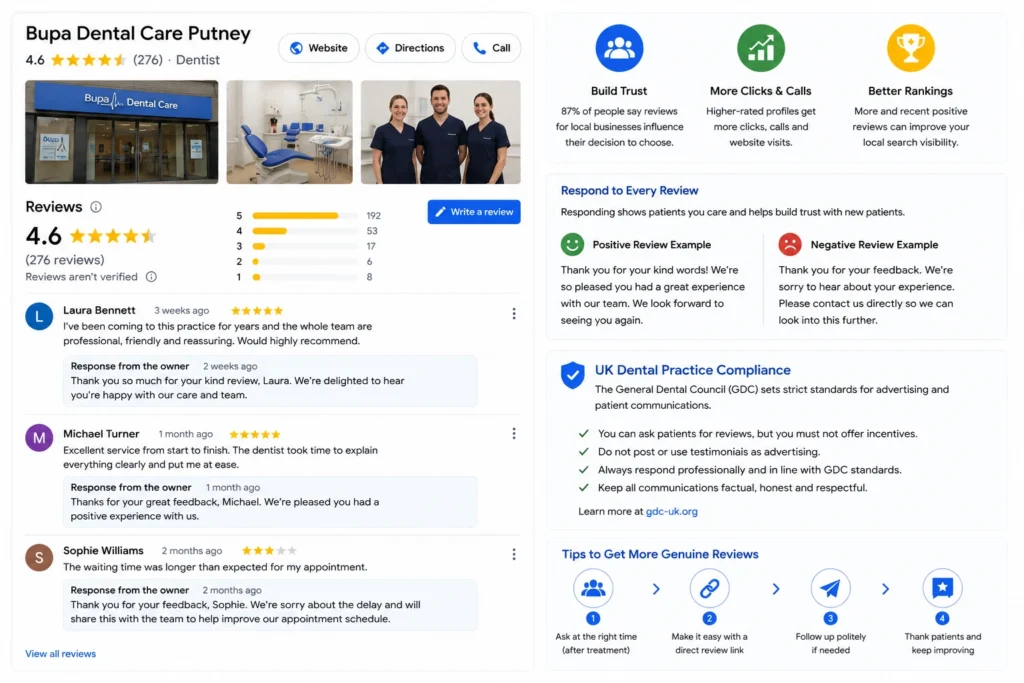
The most important habit is responding to every review, positive and negative, in a professional, GDC-appropriate way. Responses show patients and Google that the practice is attentive.
UK dental practices must be careful here. You can encourage genuine reviews, but you cannot incentivise them, and testimonials must not be used as advertising elsewhere. The General Dental Council sets these standards. Building a steady flow of reviews compliantly is a topic in its own right, and worth handling as a dedicated process rather than an afterthought.
Keeping Your Name, Address and Phone Consistent
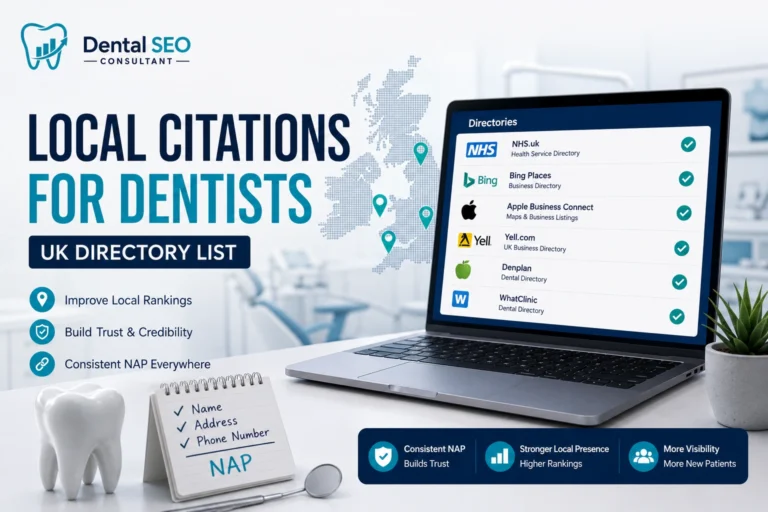
Google trusts a practice more when its details match everywhere online. NAP stands for name, address, and phone number, and it must be identical on the profile, the website, and every listing.
Even small differences, like “Street” versus “St” or an old phone number, can weaken Google’s confidence in the profile. Before building any wider local presence, make sure the profile’s NAP exactly matches the website. Extending that consistency across directories is the next step in local SEO, covered as part of a full local SEO for dentists programme.
How Often Should You Update Your Google Business Profile?
A profile is not a set-and-forget asset. Google favours active profiles, and patients trust ones that look current. A simple routine keeps it healthy without taking much time.
- Weekly: respond to new reviews and answer any new questions.
- Monthly: add a Google Post, check the performance metrics, and refresh a photo or two.
- Quarterly: review categories, services and the description for anything that has changed.
- As needed: update hours immediately for holidays, closures or any change.
- PPC for dentists can complement your local visibility and help attract patients while your organic presence develops.
This rhythm takes minutes but signals to Google that the practice is open, engaged and worth showing. A profile untouched for a year looks abandoned, to both Google and patients.
Common Google Business Profile Mistakes Dentists Make
Most underperforming profiles share the same avoidable errors:
- Leaving fields blank, so the profile looks incomplete to Google and patients.
- Stuffing keywords into the business name, risking suspension.
- Choosing the wrong primary category or missing relevant secondaries.
- Using stock photos instead of real practice images.
- Ignoring reviews, especially negative ones, instead of responding.
- Letting hours fall out of date, particularly over holidays.
- Creating duplicate profiles, which Google suspends.
What to Do If Your Google Business Profile Is Suspended
Suspensions happen, often after an edit, a name change or a suspected guideline breach. A suspended profile disappears from Maps and search, so it needs fixing quickly.
If it happens:
- Do not panic or create a new profile, which makes things worse.
- Check for guideline breaches, such as keywords in the name or an incorrect address.
- Fix any issue, then request reinstatement through Google’s process.
- Keep evidence of the practice’s legitimacy, such as CQC registration, ready to support the appeal.
Most legitimate practices are reinstated once the underlying issue is corrected.
FAQ
What is a Google Business Profile for a dentist?
It is the free listing that shows a dental practice on Google Maps and in the local search results, displaying the name, address, phone, hours, photos and reviews. It is separate from the website and is what puts a practice in the local map pack for searches like “dentist near me”.
How do I optimise my dental Google Business Profile?
Verify the profile, set Dentist as the primary category, add relevant secondary categories, list every treatment as a service, upload real photos, complete the description, hours and attributes, keep your name, address and phone consistent with your website, and respond to every review. A complete, active profile performs best.
What categories should a dental practice use on Google?
Set the primary category to Dentist. Add relevant secondary categories such as Cosmetic dentist, Dental implants provider, Emergency dental service, Orthodontist or Teeth whitening service, but only those that genuinely apply. The primary category carries the most weight in deciding which searches you appear for.
Can I put keywords in my dental practice name on Google?
No. Google’s guidelines require the exact real business name only. Adding keywords or a location, such as “Best Dental Implants Manchester”, breaches the rules and can get the profile suspended. Use your genuine name and let categories and services handle relevance.
Do reviews affect my Google Business Profile ranking?
Yes, for local search. The quantity, quality and recency of reviews influence how well a profile performs in the map pack, and they strongly affect whether patients choose the practice. UK dentists can encourage genuine reviews but must not incentivise them or use testimonials as advertising.
Why is my Google Business Profile not showing on Maps?
Common causes are an unverified profile, a suspension, duplicate profiles, or an incomplete listing. Distance from the searcher also matters, since Google favours nearby practices. Check that the profile is verified, complete and not suspended, and that the address is correct.
Is a Google Business Profile free for dentists?
Yes. Creating, verifying and managing a Google Business Profile is completely free. There is no charge to appear on Google Maps or in the local map pack. The only investment is the time to set it up properly and keep it active, which makes it one of the highest-return marketing assets a dental practice has.
Conclusion
A Google Business Profile is the most valuable free asset a dental practice has in local search, and most practices barely use half of it. Verifying it, choosing the right categories, listing every service, adding real photos and responding to reviews turns a neglected listing into a steady source of local patients.
If you want to know how your profile compares with local competitors and where it is losing patients, start with a free dental SEO audit. It shows exactly what to fix on your profile and across your wider local SEO to win more of the map pack.